

Welcome to Blitz Business Intelligence Program (BBIP)
Self-paced learning that matches your lifestyle
Start a transformative journey in business data analytics with the Blitz Business Intelligence Program (BBIP). Our online, self-paced courses are designed by industry experts to empower you with the essential skills needed to excel in today's data-driven world.
If you are a tech professional, or you are new to tech, you can be sure that our trainers are ready to guide you to become an expert in data analysis, visualization, manipulation, and interpretation.
Learn Data Analytics the way it should be taught
BBIP is a comprehensive online training program that equips you with the knowledge and skills to leverage data for informed decision-making. Whether you're new to business intelligence or looking to advance your career, BBIP offers a flexible learning experience tailored to your needs.
You pay only a fraction of the whole program fee.
Learn from Seasoned Instructors
Master Four Essential Tools
Flexible, Self-Paced Learning
Blitz Business Intelligence Program (BBIP) Overview
What you will access by enrolling into Blitz Business Intelligence Program (BBIP)

Data Manipulation

Data visualization

Data modeling

Self paced virtual classes

Industry-Relevant Expertise

Microsoft Excel: Beginner to Pro

Mastering PowerBI

Structured Query Language (SQL) Mastery

Python Essentials for Data Analysts

Learn at your own pace

Earn badges for each milestone

Online support throughout the course
Program Details
Our instructors are industry veterans with years of experience in business intelligence and data analytics. They bring real-world insights and practical knowledge to help you succeed in the course and in the work environment where you will be applying the knowledge.
BBIP offers four specialized courses:
Microsoft Excel: Beginner to Pro
Mastering PowerBI
Structured Query Language (SQL) Mastery
Python Essentials for Data Analysts
The cost of each specialized course is ₦50,000.00, making the total fee ₦200,000.00.
However we have heavily subsidized the program.
Now, the program fee is ₦65,000 only!
Registration for this program is now closed!
Enrollment into our Comprehensive Data Analysis Program is currently ongoing.
We implore you to join CDAP today.
See What Our Students Have To Say
Each course in the BBIP program is designed to provide you with comprehensive knowledge and practical skills in a specific area of business intelligence. Explore our courses to find the perfect fit for your learning goals.
BBIP courses are self-paced, allowing you to learn at your own convenience.
Start anytime and progress through the courses at your own pace.
BBIP is a self paced course that could be completed in a month or less, if you pace yourself.
Intermediate Power BI
Session 1: Introduction to Power BI
- Overview of Power BI
- Understanding Power BI Desktop and Power BI Service
- Installation and setup
Session 2: Importing and Transforming Data
- Connecting to various data sources
- Data transformation and cleaning techniques with Power Query
- Merging and appending queries
Session 3: Data Modeling in Power BI
- Introduction to data modeling
- Creating relationships between tables
- DAX (Data Analysis Expressions) basics
Session 4: Building Visualizations (Part I)
- Basic chart types and their application
- Formatting and customizing visuals
- Drilldown and drill-up options
Session 5: Building Visualizations (Part II)
- Advanced visualization options
- Working with maps and custom visuals
- Utilizing slicers and timelines
Session 6: Introduction to Power BI Service
- Publishing reports to Power BI Service
- Sharing and collaboration features
- Dashboards and real-time data
Session 7: Power BI Best Practices
- Optimization tips for performance
- Data security and sharing best practices
- Introduction to Power BI apps
Session 8: Intermediate Project
- Hands-on project to reinforce concepts learned
- Feedback and discussion on projects
Advanced Power BI
Session 9: Advanced Data Modeling with DAX
- DAX functions and formulas
- Time intelligence functions
- Advanced relationship modeling
Session 10: Advanced Visualization Techniques
- Custom visuals and customizing options
- Dynamic and interactive visuals
- Drillthrough and bookmarks
Session 11: Power BI Advanced Analytics
- Introduction to Power Query M language
- Statistical analysis with Analytics functions
- R and Python integration
Session 12: Power BI Dataflow and Power Automate Integration
- Working with Power BI Dataflows
- Automating workflows with Power Automate
- Streamlining data refresh and updates
Session 13: Power BI Governance and Administration
- Setting up and managing Power BI workspaces
- Implementing security features
- Monitoring and managing usage metrics
Session 14: Advanced Project
- In-depth project work incorporating advanced concepts
- Peer review and feedback session
Session 15: Power BI and External Services
- Integrating Power BI with Azure services
- Power BI REST API and custom connectors
- Embedding Power BI reports in applications
Session 16: Final Project and Certification
- Presenting and discussing the advanced projects
- Course review and Q&A session
- Certificate distribution
Introduction to Microsoft Excel Basics
Day 1: Understanding the Excel Interface
- Overview of the Excel interface (ribbon, cells, columns, rows)
- Navigating and selecting cells
- Introduction to Excel terminology (workbook, worksheet, cell, range)
Day 2: Data Entry and Formatting
- Entering data into cells (text, numbers, dates)
- Basic text formatting (font, size, bold, italic, underline)
- Introduction to cell formatting (alignment, borders, fill color)
Basic Formulas and Functions
Day 1: Formulas and Cell References
- Introduction to basic mathematical operators (+, -, *, /)
- Creating simple formulas
- Understanding cell references (relative, absolute)
Day 2: Common Functions
- Introduction to common functions (SUM, AVERAGE, MAX, MIN)
- Practical exercises using functions
- Tips for troubleshooting formulas
Data Management and Analysis
Day 1: Sorting and Filtering Data
- Sorting data in Excel
- Filtering data using AutoFilter
- Custom filtering options
Day 2: Data Validation and Data Tools
- Setting up data validation rules
- Introduction to Data Tools (Text to Columns, Remove Duplicates)
- Overview of Flash Fill for data manipulation
Charts and Graphs, Advanced Features
Day 1: Creating Charts and Graphs
- Introduction to chart types (bar, line, pie)
- Creating and customizing charts
- Adding data labels and legends
Day 2: Advanced Excel Features
- Introduction to PivotTables
- Data consolidation techniques
- Overview of conditional formatting
- Protecting worksheets and workbooks
SQL Fundamentals (Beginner to Intermediate)
Session 1: Introduction to SQL and Database Concepts
Key Concepts:
- Overview of SQL and its importance
- Basics of relational databases and tables
- Introduction to SQL commands (SELECT, INSERT, UPDATE, DELETE)
Hands-On Exercises:
- Setting up a basic database
- Writing and executing simple SELECT queries
Session 2: Data Filtering and Sorting
Key Concepts:
- Using WHERE clause for data filtering
- ORDER BY clause for sorting results
- Combining filters and sorting in queries
Hands-On Exercises:
- Filtering data based on conditions
- Sorting query results effectively
Session 3: SQL Joins and Subqueries
Key Concepts:
- Understanding different types of joins (INNER, LEFT, RIGHT)
- Utilizing subqueries for data retrieval
- Combining multiple tables in a query
Hands-On Exercises:
- Performing various types of joins
- Writing subqueries for practical scenarios
Session 4: Aggregation and Grouping
Key Concepts:
- Applying aggregate functions (COUNT, SUM, AVG, MAX, MIN)
- GROUP BY clause for data grouping
- HAVING clause for filtering grouped data
Hands-On Exercises:
- Calculating aggregates in queries
- Grouping data for meaningful analysis
Session 5: Introduction to SQL Constraints and Indexes
Key Concepts:
- Primary keys, foreign keys, and unique constraints
- Implementing indexes for query optimization
- Ensuring data integrity with constraints
Hands-On Exercises:
- Creating and managing constraints
- Implementing indexes to improve performance
Session 6: SQL Views and Stored Procedures
Key Concepts:
- Creating and utilizing SQL views
- Introduction to stored procedures and their benefits
- Use cases for views and stored procedures
Hands-On Exercises:
- Building views for simplified querying
- Writing basic stored procedures
Session 7: SQL Transactions and Locks
Key Concepts:
- Understanding transactions and their importance
- Types of locks in SQL
- Managing concurrency issues with transactions
Hands-On Exercises:
- Implementing transactions for data consistency
- Handling locking scenarios effectively
Session 8: Intermediate Project
Project:
- Participants will work on a practical project, applying SQL fundamentals to solve a real-world scenario.
Feedback and Discussion:
- Peer review and feedback session on projects
Advanced SQL Techniques
Session 9: Advanced Query Optimization Techniques
Key Concepts:
- Analyzing query execution plans
- Index optimization strategies
- Query hints and tips for optimization
Hands-On Exercises:
- Identifying and resolving performance bottlenecks
- Optimizing queries for efficiency
Session 10: Working with Date and Time Functions
Key Concepts:
- Date and time functions in SQL
- Performing date calculations
- Handling time zones and daylight-saving time
Hands-On Exercises:
- Using date and time functions in queries
- Solving practical problems involving date and time
Session 11: Advanced Subqueries and Nested Queries
Key Concepts:
- Nested subqueries and their applications
- Correlated subqueries
- Common table expressions (CTEs)
Hands-On Exercises:
- Writing complex subqueries
- Using CTEs for improved readability
Session 12: Advanced Views and Materialized Views
Key Concepts:
- Materialized views for improved performance
- Updating and refreshing materialized views
- Use cases for advanced view structures
Hands-On Exercises:
- Creating and managing materialized views
- Leveraging advanced view features
Session 13: SQL Security and Permissions
Key Concepts:
- Managing user access and permissions
- Implementing row-level security
- Best practices for securing SQL databases
Hands-On Exercises:
- Setting up user permissions
- Implementing row-level security scenarios
Session 14: SQL Performance Tuning and Indexing Strategies
Key Concepts:
- Techniques for performance tuning
- Indexing strategies for different scenarios
- Monitoring and optimizing database performance
Hands-On Exercises:
- Implementing performance tuning measures
- Analyzing and optimizing index usage
Session 15: Advanced Stored Procedures and Functions
Key Concepts:
- Advanced stored procedure techniques
- Error handling and transactions in stored procedures
- Dynamic SQL and parameterized queries
Hands-On Exercises:
- Writing complex stored procedures
- Handling errors and implementing transactions
Session 16: Final Project and Certification
Project:
Participants will work on an advanced project incorporating complex SQL concepts.
Presentation:
Final project presentations and discussions.
Session 1: Working with variables in Python
- Printing to the console in Python
- String manipulation and code intelligence
- Python input function
- Python variables
- Variables naming
- Band name generator project
Session 2: Understanding Data types and how to manipulate strings
- Python primitive Data Types
- Type error, Type checking and Type conversion
- Mathematical operations in Python
- Number manipulation and F strings in Python
- Exercise on Life in weeks and Tip calculator
Session 3: Control flow and Logical Operators
- Control flow with If / Else conditional operators
- Odd or Even numbers Exercise
- Nested if and elif statements
- Exercise: BMI, Leap year, Treasure Island
- Multiple IF statements in succession
- Logical operators
- Ex: Love Calculator
Session 4: Randomization and Python Lists
- Random module
- Exercise: Heads or Tails
- Understanding the offset and appending items to lists
- Index errors and working with nested lists
- Ex: Pick a random character from a given string
- Ex: Generate a random password that is 10 characters long, contain at least 2 uppercase letters, 1 digit and 1 special symbol
Session 5: Python Loops
- For loops
- Using for loops with python lists
- Ex: Print the first 10 natural numbers
- Ex: Average height
- For loops and the range() function
- Ex: display all prime numbers within a range
- Ex: Display elements from a given list present at odd index positions
- Ex: Calculate the cube of all numbers from 1 to 20
- Exercise: adding even numbers, Password Generator
- Printing a pattern with For loop
Session 6: Python functions
- Defining and calling python functions
- Indentation in python
- While loops
- Ex: Finding the sum of numbers in a list using while loop
- Ex: Reversing a string with while loop
Session 7: Hangman game
- Breakdown a complex problem into a flow chart
- Ex: Picking a random word and checking the answer
- How to check the User’s answer
- Replacing blanks with guesses
Session 8: Function Parameters and Ceaser Cipher
- Functions with inputs
- Positional vs Keyword Argument
- Exercise: Paint Area Calculator, Prime Number Checker
Session 9: Ceaser Cipher
- Part 1: Encryption
- Part 2: Decryption
- Part 3: Reorganizing our code
- Part 4: User Experience Improvements and Final touches
Session 10: Dictionaries and Nesting
- Python Dictionaries
- Ex: Grading Program
- Ex: A python script to concatenate various dictionaries into one
- Ex: A python script to check whether a particular key exists in a dictionary
- Ex: A Python script to iterate over dictionaries using for loops
- Ex: A python code to multiply all the items in a dictionary
- Nesting lists and Dictionaries
- Dictionary in list
Session 11: Functions with Outputs
- Functions with outputs
- Multiple return values
- Ex: days in a month
- Docstrings
- Ex: Calculator part 1: combining dictionaries and functions
- Print vs Return
- Ex: Calculator part 2.
Session 12: Project
- Library catalog System
- To-do list manager
- Recipe book
- Students Database
Session 13: Scope and Number Guessing Game
- Local vs Global scope
- How to modify a global variable
- Python constants and Global scope
- Number guessing game
Session 14: Debugging: How to find and fix bugs
- Introduction to debugging
- Common programming errors
- Debugging tools
- Reading error messages
- Using print statements
- Debugging challenges
- Best practices
Session 15: Local Development Environment
- Installing Python locally on your computer
- Download PyCharm for Windows or Mac
- How to install PyCharm on Windows
- Coffee Machine Project
Session 16: Object Oriented Programming
- Why the need for OOP and how does it work?
- Classes and Objects
- Constructing objects and accessing their attributes and methods
- Building the coffee Machine Project with OOP
Session 17: Object Oriented Programming continued
- How to create your own class in Python
- Working with attributes, class constructors, and the unit function
- Adding methods to a class
- Project
Frequently Asked Questions
A computer with a minimum of 4GB RAM is required. However, if you intend to get a new laptop for the program, it is advisable to get a Windows computer with at least 8GB RAM for more efficiency.
Mathematics is not a requirement for the program. The program does not require any form of manual calculation or having to memorize mathematical formulas.
Upon registration, you will be provided with a step-by-step guide on installing the software required.
A MacBook could be used; however, it is not recommended.
The training will be delivered by video.
The training videos will be available and accessible the next business day after the training.
Yes. The training is broken down into modules that will help all beginners get up to speed with every other person in the class.
No, not entirely. Only Python requires coding and the guidance required to learn this will be provided. With adequate practice, each participant will be able to acquire the required skills.
Getting a job after the training is the goal of the training faculty, however, this is not automatic. The dedication and resilience of the participants is also required to ensure that all the prerequisites for employment are met.
Our program offers more value for your money than other trainers. Our Data Analytics curriculum has been tested over the years to cater to both tech newbies and professionals who simply want to upskill, and we keep upgrading it. Our training sessions are more granular and our cohorts are more intensive.
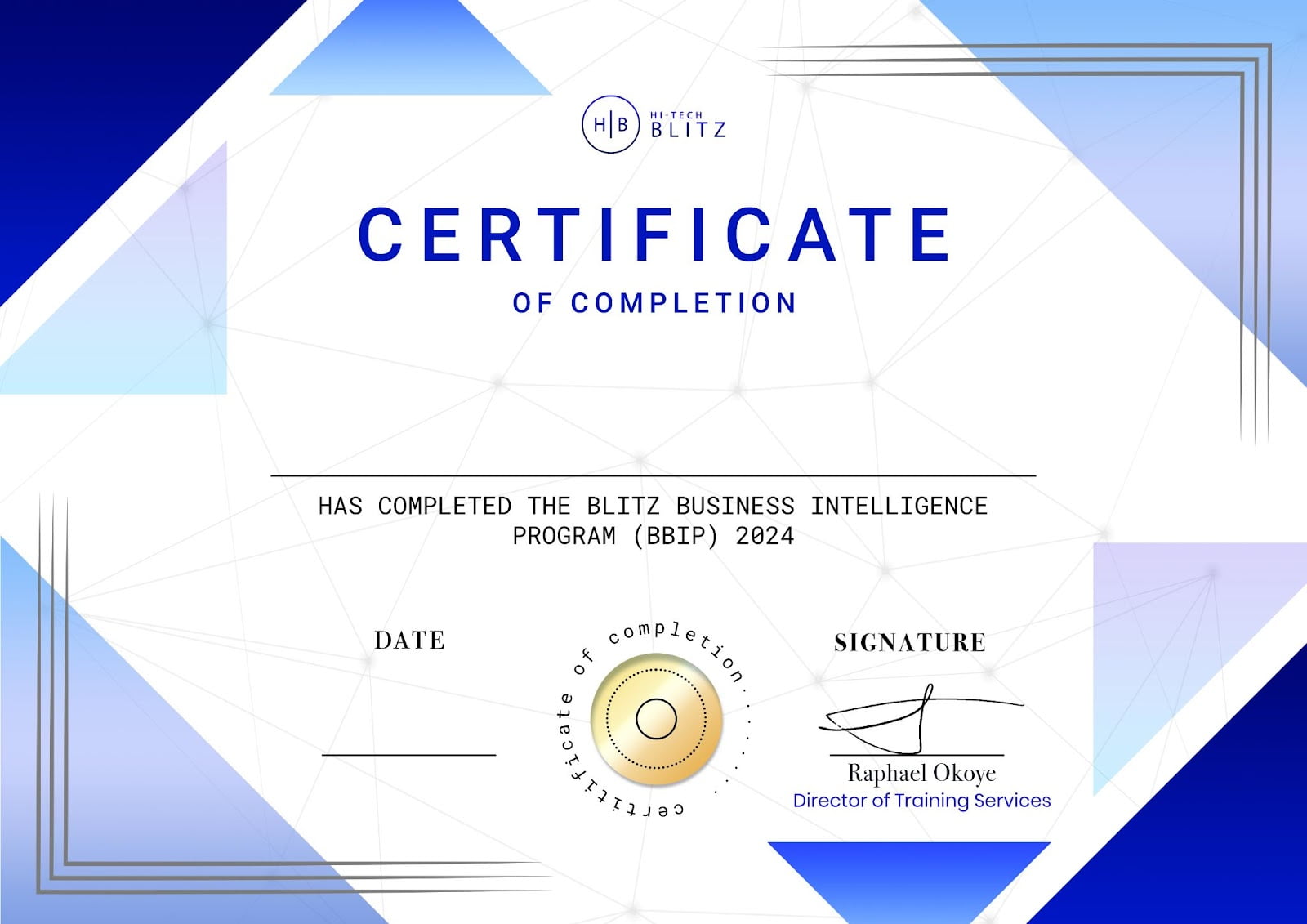
Our training goes beyond just acquiring a set of skills. While you are attending the training, you will earn a completion badge for each of the courses you complete. This is sharable on LinkedIn as you build your profile. At the end of the training, you will also obtain a certificate. This will serve as a symbol of your commitment to completing the program to potential employers.
Earn one of the most desirable certifications in Canada and the United States
You will be earning a certificate to show employers your competence.
This certificate signifies you have not only completed the training but also the capstone projects.
Meet the Team That's Invested in Your Success

Kenneth Okoye
Trainer
Kenneth Okoye is an experienced Python professional with over seven years of hands-on expertise, complemented by a Computer Science degree from Nigeria. He is passionate about sharing the intriguing dynamics of Python's power through comprehensive training sessions. Kenneth has successfully facilitated training for over a thousand tech professionals. He will be exposing us to the depth and versatility of Python programming during the upcoming Data Analytics program!
Read More Read Less

David Obeh Alobo
Trainer
David Obeh Alobo is an industrial chemist and data analyst, holding a bachelor’s degree in Industrial Chemistry from Olabisi Onabanjo University, Nigeria. With a combined 8 years experience as a Data Analytics and Data Science Industry Mentor, David has supported over 5000+ students, bridging the gap between the classroom and industry.
He was part of a team that developed a preservative-free tomato-based product with a remarkable 12-month shelf-life. Proficient in various technologies, including MongoDB, Power BI, Python, SQL, and more. David is a member of the Cronin Lab in United Kingdom where he is working on synthesizing chemical products using ML and AI that find application in drug discovery. His dedication to advancing research and delivering impactful solutions underscores his commitment to making the world a better place.
Read More Read Less

Charles Otoghile
Trainer
Meet Charles Otoghile, an expert guide to mastering business strategy, spreadsheets, data analysis and financial modeling/valuation.
With over a decade of experience working in multinational corporations, Charles brings a wealth of practical knowledge in hands-on data analytics and business management to the table.
Holding a degree in Management Sciences and certified as a Microsoft Office Specialist in Microsoft Excel and Microsoft Access, Charles is a Master of Data Management and its associated tools in the everyday life of business. He expertly uses and provides training on Microsoft Excel, Microsoft Access, SQL, Python/Pandas and PowerBI. Renowned for his passion for best practices in financial modeling and business data analysis, Charles is into business consulting and shares his expertise in spreadsheet modeling, valuation, and data analysis/analytics
Read More Read Less
Share This Opportunity With Your Friends
Click on any of the social icons below to share!
Facebook
Twitter
LinkedIn
WhatsApp
Email
Telegram
© Hitech Blitz Consulting. All Rights Reserved.